Support
Common questions & troubleshooting.
Most questions about Smart Up Next, Routine Mixes, private feeds, downloads, and
Enhance Voice are answered right here.
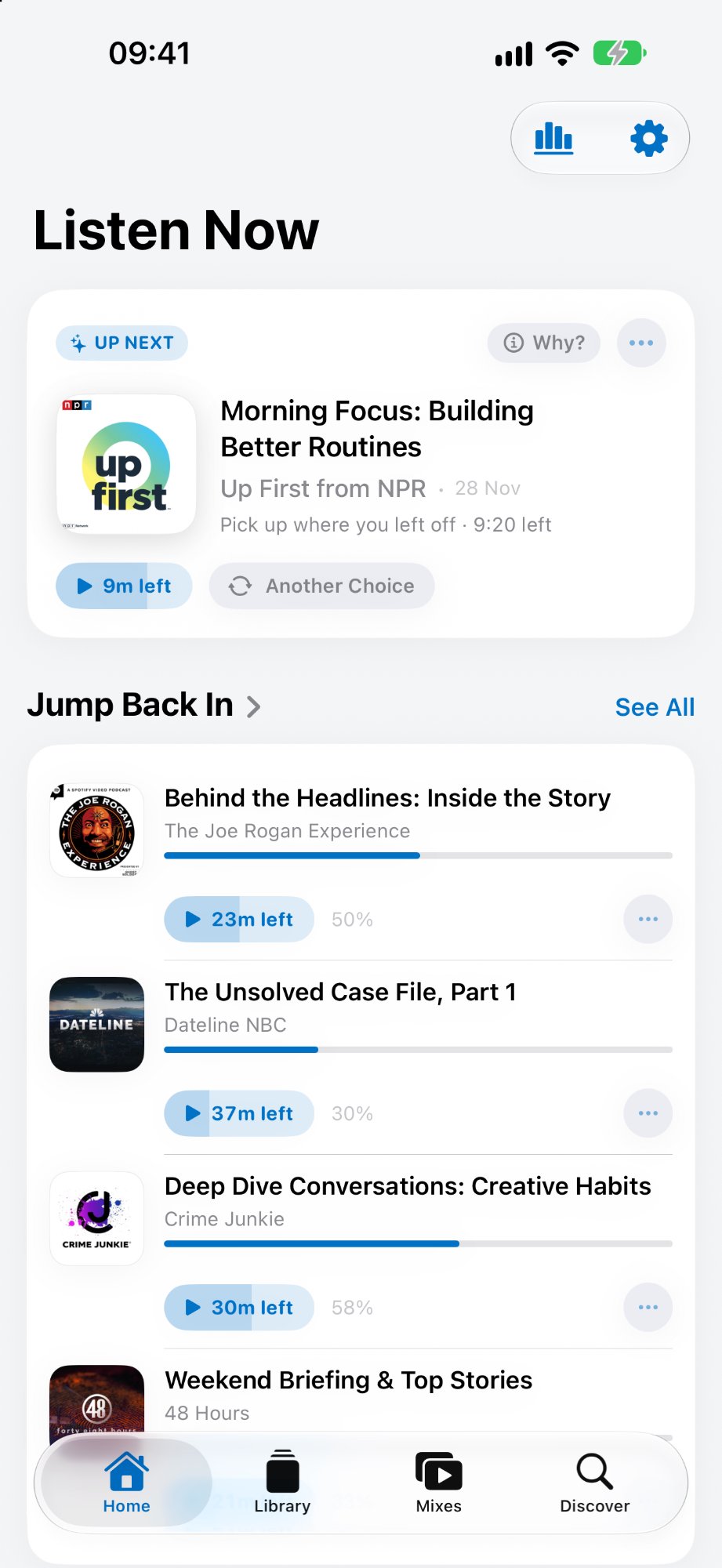
Why did Smart Up Next pick this episode—and how do I change it?
Tap Why? on the Up Next card to see the exact local scoring reasons
(listening habit timing, unfinished progress, freshness, download status, or serial
episode order). Tap Another Choice to switch to the next best pick,
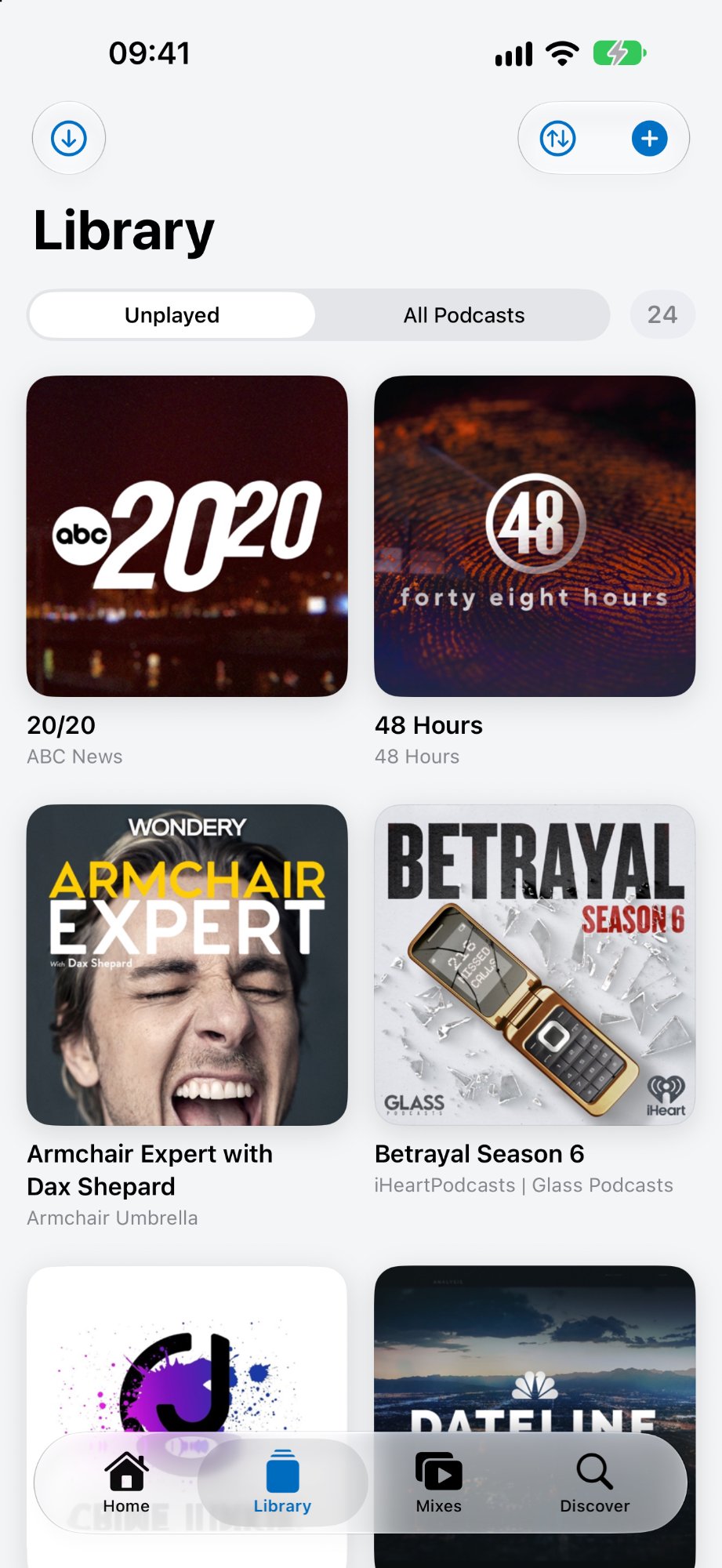
or play any episode directly from your Library.
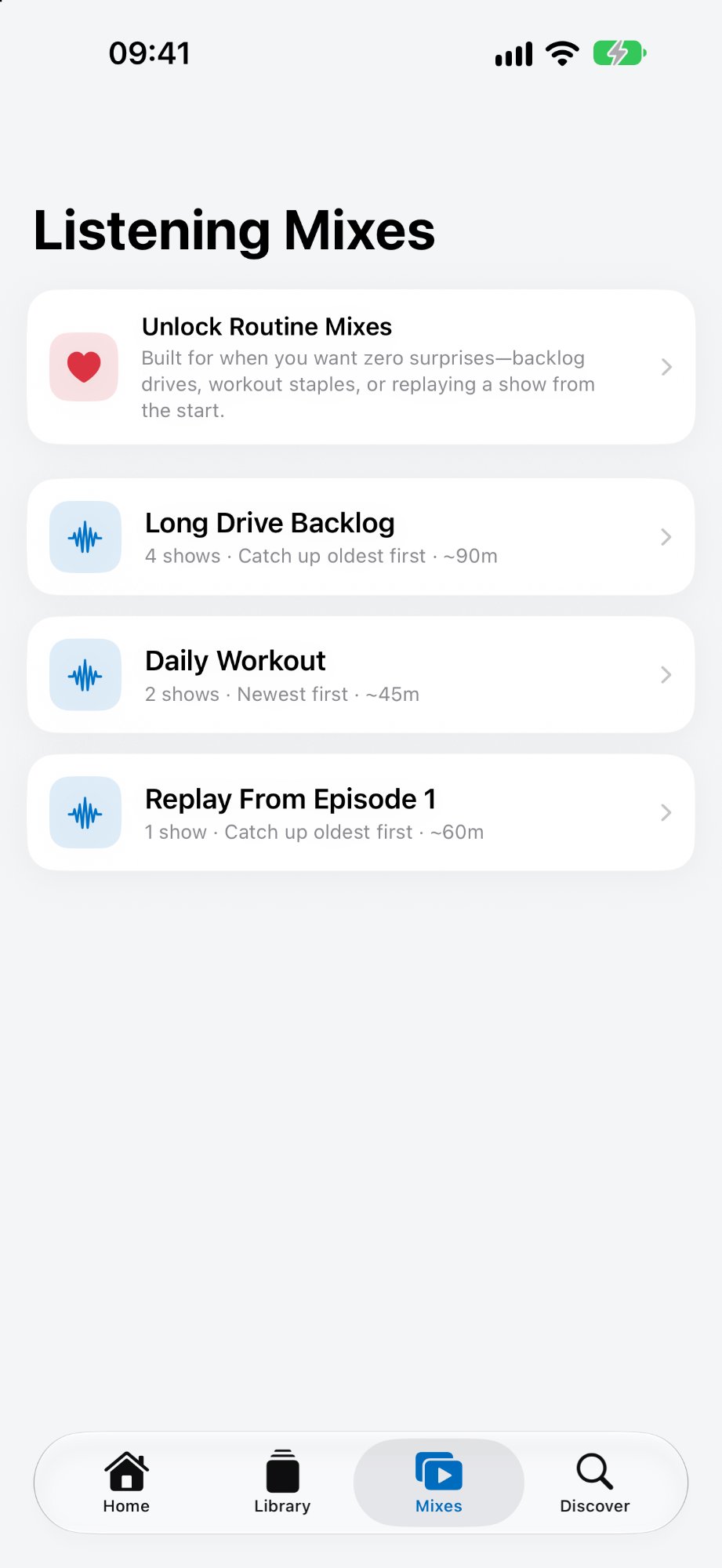
My Routine Mix ended early or skipped an episode.
Routine Mixes are finite sessions (up to 50 episodes) and stop cleanly after the
final episode. Episodes without a published duration are skipped in timed mixes, and
serial shows won’t jump ahead past an unplayed or unavailable earlier episode.
Starting another show or tapping Play Next manually ends the active
mix.
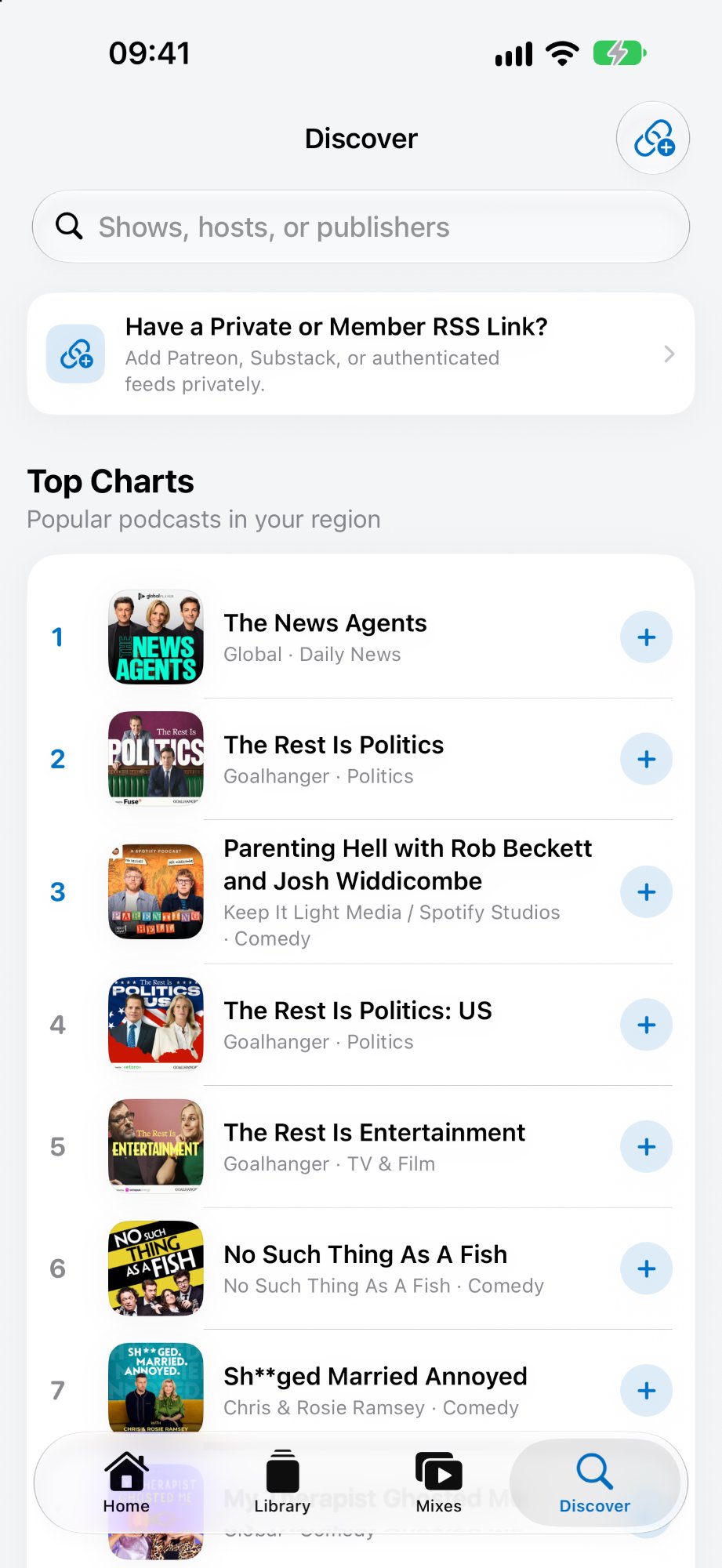
A Patreon, Substack, or private RSS feed won’t load.
In Discover, tap Have a Private or Member RSS Link?
and paste the full feed URL. If the feed requires a username and password (HTTP
Basic auth), enter them there—credentials are saved in Apple Keychain on your
device and are never sent to external directories.
Downloads are using too much space or didn’t start automatically.
Check Settings for your auto-delete preference (immediately after
listening, after 24 hours, or never). Automatic downloads run when iOS schedules
background refresh; you can also pull down to refresh a show or tap
Download Mix manually on Wi-Fi.
Audio levels sound uneven, or Enhance Voice isn’t active.
Enhance Voice automatically adapts to your active output (Phone
Speaker, Headphones, Home Audio, or Car) to balance quiet speech and loud segments.
Note that Apple does not allow real-time audio-tap processing on HLS streams;
standard MP3/AAC podcast files are processed normally.
How do I import/export OPML or restore PodcastRack Pro?
Import or export your subscriptions via OPML anytime in Settings.
If you reinstalled the app or switched devices, open
Settings → PodcastRack Pro → Restore Purchases.
Still didn’t find what you need?
If you hit a bug or a broken feed, email
support@podcastrack.app
with your iOS version and the show name or RSS URL. For audio issues, include the
summary from Settings → Diagnostics & Privacy → Share playback
diagnostics.